
Photo
Loksewa Photo Resizer
PSC online form ma photo maximum 200KB ra passport size (35mm x 45mm) hunu parcha. Drop your photo here and we'll fix it instantly.
Tap to choose a photo
or drag it here — JPG or PNG
Explore powerful free tools designed to simplify your preparation and help you succeed in Loksewa exams. No login required. Works on mobile.

Everything you need to fill forms and prepare for exams, all in one place.
PSC online form ma photo maximum 200KB ra passport size (35mm x 45mm) hunu parcha. Drop your photo here and we'll fix it instantly.
Tap to choose a photo
or drag it here — JPG or PNG
PSC form ma signature maximum 50KB hunu parcha. Drop your signature photo here to resize it to the correct dimensions.
Tap to choose a signature
or drag it here — JPG or PNG
Certificate file too big to upload? Drop it here and we'll shrink it down while keeping it clear and readable.
Tap to choose an image
or drag it here — JPG or PNG
Build a professional CV in 5 minutes. Pick from clean templates and download as a PDF. No login required.
Convert dates between BS and AD calendars instantly. Perfect for filling online application forms.
Calculate your exact age as of a specific cutoff date from a vacancy notice. Instantly check age limits.
Nepal exchange rate today — USD, EUR, INR to NPR, straight from Nepal Rastra Bank (NRB).
Petrol, diesel, kerosene, and LPG gas rates in Nepal — straight from Nepal Oil Corporation (NOC).
Loading…
Writing a subjective answer? Keep an eye on your word and character count as you type.
0 words · 0 characters
A quick gut-check against common age limits — handy before you apply, but always double-check the real limit on your vacancy notice.
Aajako date, month-by-month calendar, ra Saturdays — sabai ek thau ma.
Form bharda date chai chha? Ek click ma copy garnus — BS wa AD, jun chai ho.
Type in Roman English and get instant Devanagari Unicode.
495 Free Practice Questions with instant answers and explanations.
—
Expert tips, guides, and updates for your Loksewa preparation
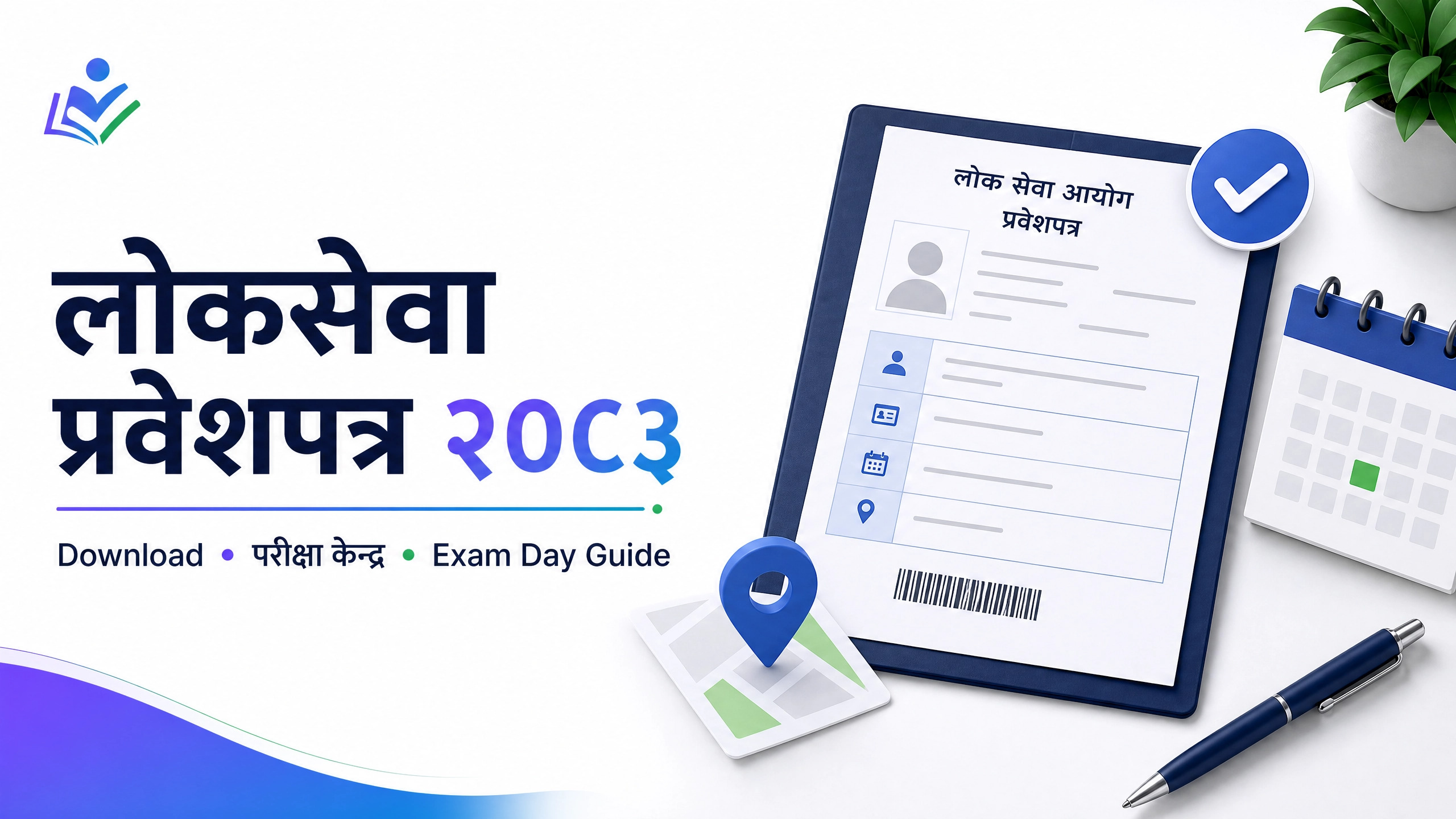
लोकसेवा प्रवेशपत्र २०८३ डाउनलोड गर्ने, परीक्षा केन्द्र जाँच्ने र exam day का लागि कागजात तयार गर्ने सही तरिका आधिकारिक स्रोतसहित पढ्नुहोस्।
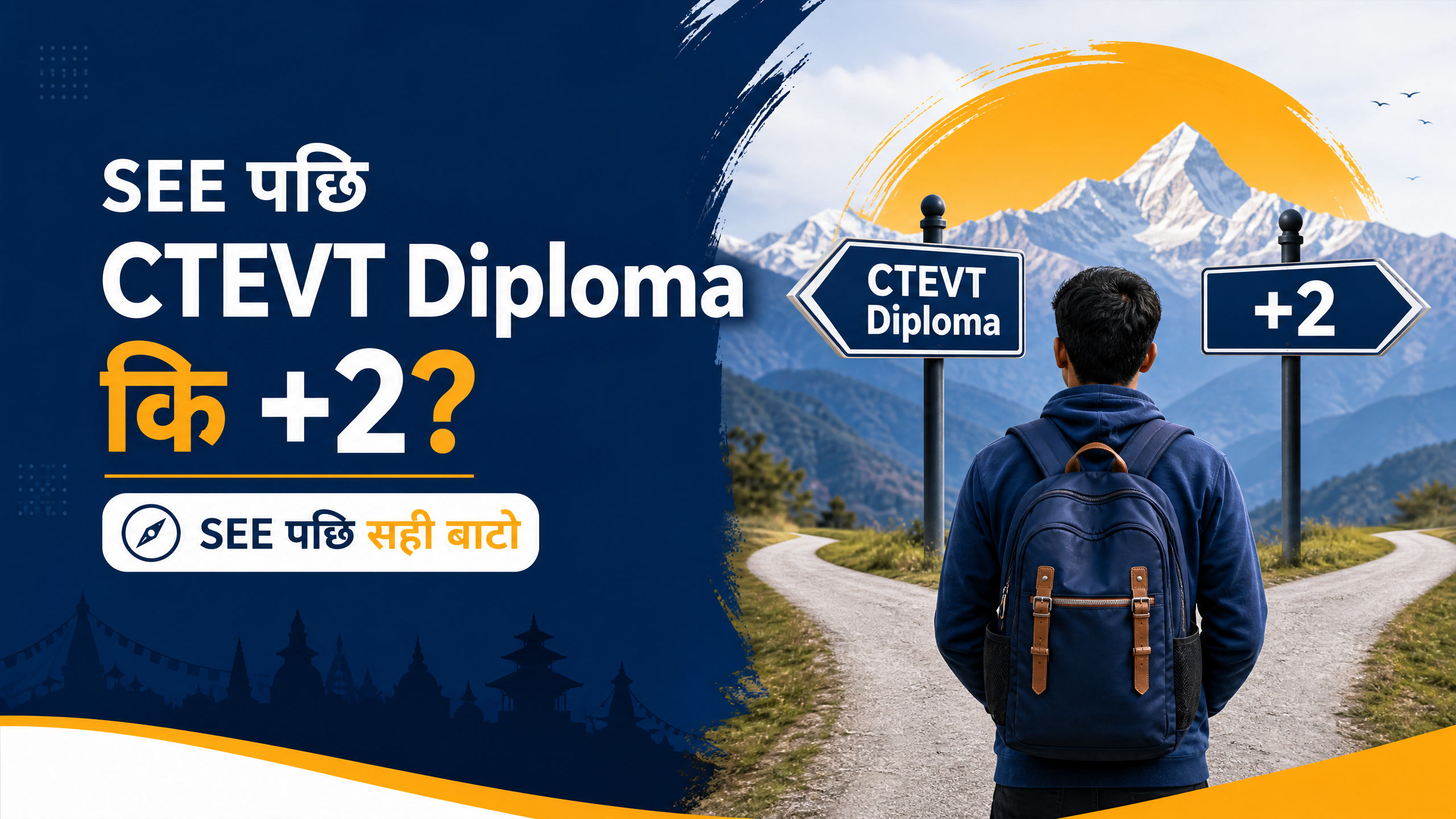
SEE पछि CTEVT Diploma वा +2 मध्ये कुन रोज्ने? विषय, अवधि, scholarship, Loksewa तयारी र career लक्ष्यअनुसार निर्णय गर्ने practical नेपाली guide।

नेपालको शिक्षा प्रणाली, रोजगारी र career अवसरका कारण नेपाली विद्यार्थी विदेश किन जान्छन्? फाइदा, जोखिम र निर्णयअघि जाँच्नुपर्ने कुरा पढ्नुहोस्।
Nepal Engineering Service loksewa syllabus 2083 — Civil, Electrical, ra Computer Engineer ko subject-wise topics, marks distribution, ra NEC license requirement.
Post ra grade anusar approximate monthly in-hand salary estimate garnus. Yo estimate matra ho — official figure ko lagi Talab Scale 2083 guide ra mof.gov.np herna sifaris garincha.
⚠️ Yo estimate ho, official figure hoina. Grade/allowance percentage approximate assumptions ma based cha. Exact, updated talab scale ko lagi Talab Scale 2083 guide, mof.gov.np, ya dcpr.gov.np ko official circular herna sifaris garincha.
A plain-language walk-through of the real steps on psconline1.psc.gov.np. This site never asks for your PSC login — you'll do the actual submission yourself, fully informed.
Go to psconline1.psc.gov.np and click Register. Fill in your personal details exactly as they appear on your citizenship certificate — mismatches are a common rejection reason.
Your username and a temporary password are sent to your phone and email. Log in, then set a new password (8–30 characters, at least one number and one special character).
Before touching the form, use the Photo, Signature, and Compressor tools above so your files are the right size and ready to upload in one go.
Click "View All" to browse open advertisements. Note the advertisement code for the post you're eligible for — use the Eligibility Checker above first.
Enter your details, upload your prepared documents, and choose your exam centre. Review everything carefully on the Application Preview page before submitting — corrections after submission are difficult or impossible.
Pay via Global IME Bank, Rastriya Banijya Bank, or ConnectIPS e-payment. For e-payment, you'll confirm with an OTP sent to your phone or email.
Download or screenshot your submitted application and payment receipt for your records.
PSC, RBB, ra bank vacancy aaune bittikai email ma free alert — spam xaina, jahile pani unsubscribe garna milcha.